
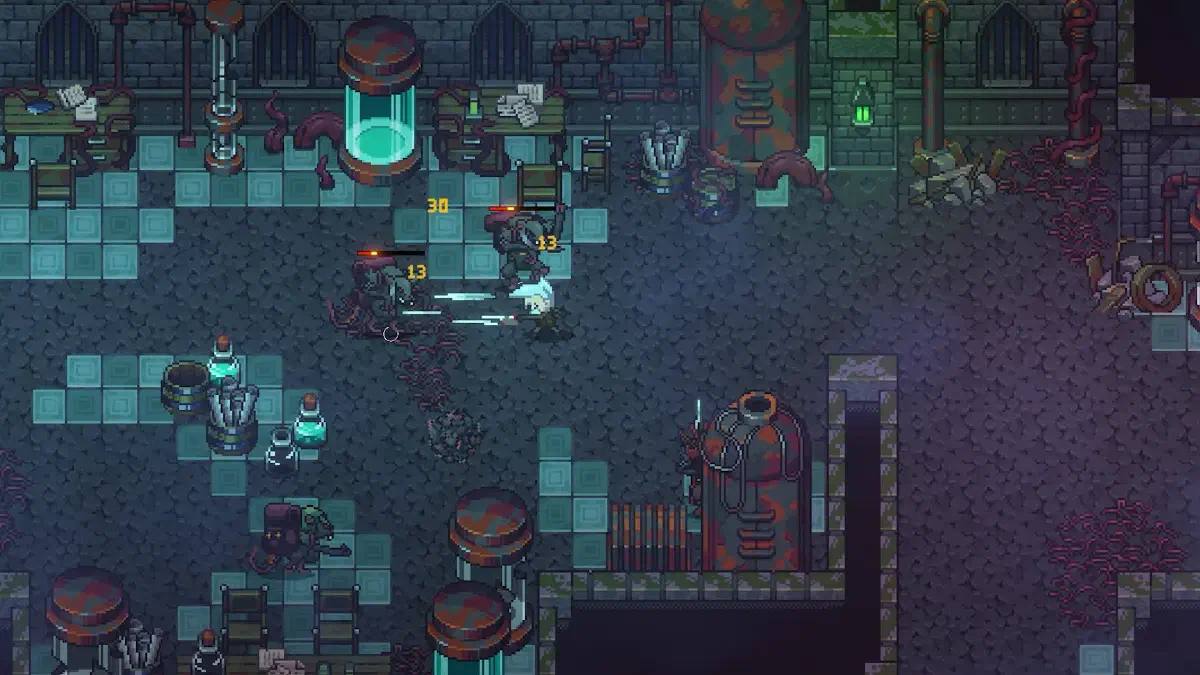
Cygnus Cross has released another update for the Emberville Steam Next Fest demo. Alpha Demo version 0.20.18.x improves controller support, crafting interactions, attack-rate calculations, localization, world creation, music, and interface navigation.
The update was published on Steam on October 22, 2026 at 11:35 AM PDT.
Alpha Demo 0.20.18.x Changes#
The changes below preserve the substance of the official patch notes while grouping related fixes together for easier reading.
Combat and Gameplay#
- Fixed several issues involving attack-rate calculations.
- Prevented consumable items from being used during dialogue interactions.
- Removed a boss-corpse collider that could trap players inside the boss nest. Cygnus Cross identifies this as a temporary solution.
- Corrected a cutscene-related bug.
Controller and Keyboard Support#
- Fixed the left and right controller shoulder buttons not working correctly in some menus.
- Corrected several controller and gamepad navigation problems in the interface.
- Fixed controller input in the main menu after creating a new character.
- Prevented the controller radial menu from opening at unintended times.
- Added experimental support for navigating menus entirely with a keyboard.
The keyboard-only navigation feature is not considered final and may still contain bugs.
Crafting and World Creation#
- Fixed the action button not collecting completed items from the crafting menu.
- Corrected a problem involving crafting stations.
- Fixed a rare issue that prevented new worlds from being created.
Localization and Interface#
- Corrected several localization problems.
- Fixed text in multiple supported languages.
- Added new icons for every Armor Mastery.
Audio and Additional Fixes#
- Fixed music not playing in the main menu.
- Other minor bugs were fixed and additional improvements were made.
Known Issues and Language Workaround#
Cygnus Cross is continuing to investigate two problems that may affect certain systems:
- Longer-than-expected loading times
- Inability to change the selected language
Until a permanent language fix is available, the studio recommends opening the following folder:
AppData\LocalLow\CygnusCross\Emberville\Saves\Delete only the following configuration file:
options.eoptRemoving this file resets the game to its default configuration and should not erase the player’s save. Do not delete other files from the Saves folder.
Players who encounter additional problems can submit bug reports through the official Emberville Discord.